
Choosing a Mobile Internet Plan for Your Sales Team: A Practical Guide

For a field sales rep, the phone is the whole office. It takes orders, checks stock, maps the way to the next shop, photographs the shelf and sends everything back to the team at head office. All of it needs mobile data. When the connection drops or crawls, the whole route slows down with it.
Many companies pick a plan on price alone, or let reps use personal SIMs and claim the bill. A few months later the same problems show up: data runs out mid-month, some routes have no signal, and costs vary so much from rep to rep that the budget is hard to control. This guide walks you through choosing a plan step by step.
1. Start with real usage
The good news is that a sales app uses less data than most people expect. The Vansales app keeps product and customer data on the phone and only downloads what has changed, such as prices, stock or promotions. Sending an order takes just a few KB, and photos are resized on the phone to around 150–300 KB before upload.
The figures below are estimated from the system's real data sizes, for a rep covering 300 shops, issuing 30 bills a day and working 26 days a month:
| Vansales app usage | Per day | Per month |
|---|---|---|
| Sales only, no photos or maps | 2–3 MB | 50–80 MB |
| Normal: 5–10 photos and some use of the customer map | 5–10 MB | 130–260 MB |
| Heavy: photos at every shop and frequent map use | 20–25 MB | 520–650 MB |
| First install or a new phone | — | +35 MB, once |
| App update | — | ~30 MB each |
Other apps on the phone use more
What actually drains the allowance is usually not the sales app but the other apps reps use during the day:
- Google Maps turn-by-turn navigation: roughly tens of MB per hour of guidance
- LINE: chat is light, but frequent photos and videos add up, and video calls use several hundred MB an hour
- Personal use, such as watching videos on a break, drains data fastest
Summary: how many GB to choose
| How the line is used | Suggested plan |
|---|---|
| Mainly the Vansales app | 1.5–3 GB a month, or unlimited at 1 Mbps or more |
| Vansales plus daily Google Maps navigation and LINE | 5–10 GB a month |
| Reps also use the line personally | Unlimited at 4 Mbps or more |
These are still estimates. The most accurate method is to have one or two reps work normally for a week, then check each app's data usage in their phone settings (Android: Settings › Network › Data usage / iPhone: Cellular). Multiply the daily figure by working days and add a 30–50% buffer. Do the first install and app updates over Wi-Fi.
2. Coverage matters more than speed
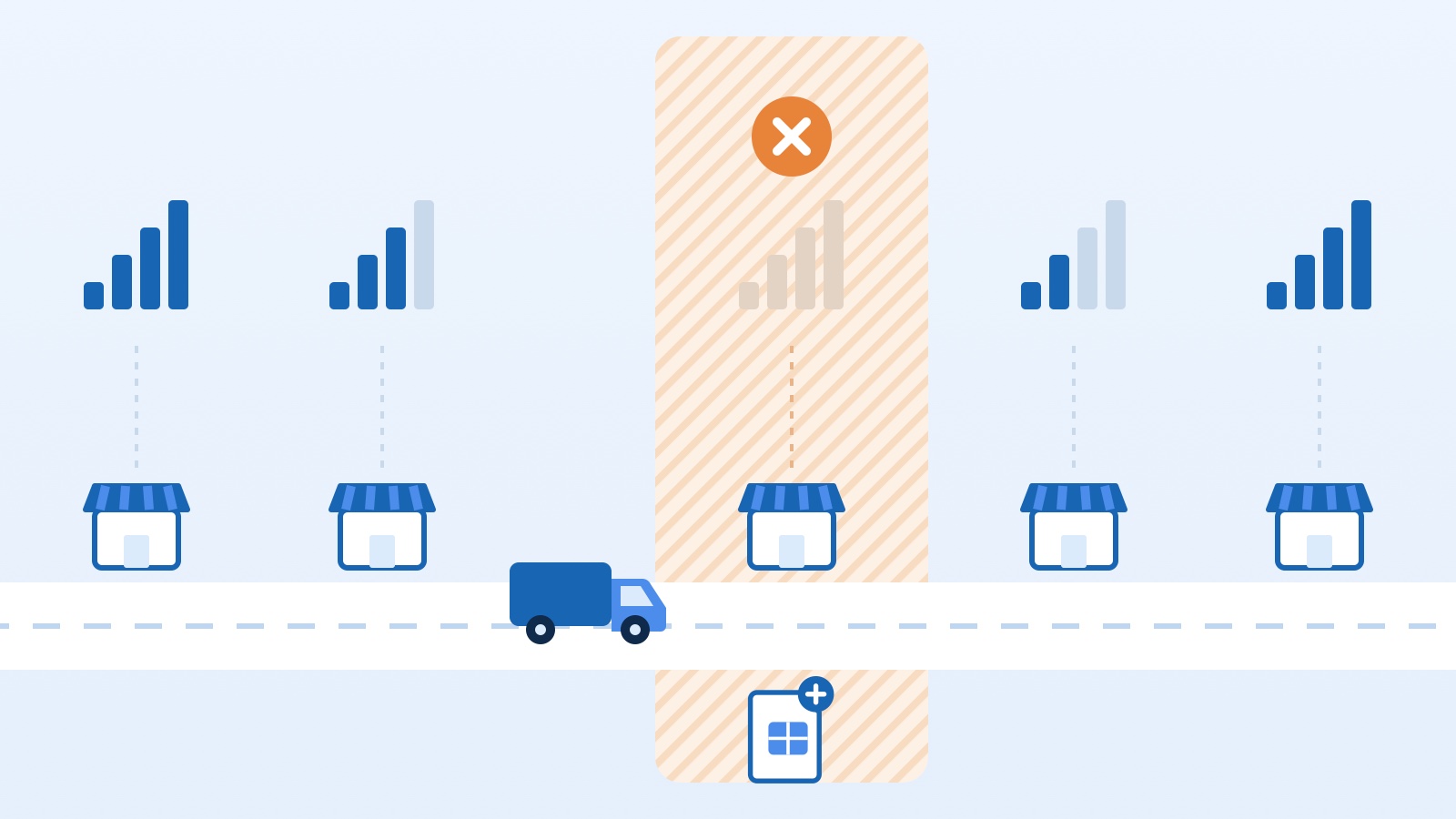
A fast plan is useless without signal at the shop counter. Field sales often means villages, markets and routes between districts, where network quality varies a lot by operator.
- Test on real routes. Take a SIM from each network along your longest or worst-covered route for a day, and note which shops lose signal
- Ask the reps already driving them. They know which network works where
- You don't need one network for the whole company. If northern and southern routes work better on different networks, split them
3. Which plan type fits
Unlimited data at a capped speed (for example, unlimited at 1, 4 or 10 Mbps) Suits most sales teams. Sales apps send small amounts at a time, so 1 Mbps is enough for the Vansales app, while 4 Mbps feels smoother if reps also navigate and use LINE. Costs stay fixed, and there's never a day the data runs out mid-route.
Full-speed plans with a GB allowance Suits teams whose measured usage is low and steady. They're cheaper, but check the speed after the allowance runs out. If it drops to a near-unusable 64–128 kbps, the end of the month becomes a problem.
Postpaid or prepaid Postpaid can be invoiced to the company and never needs topping up. Prepaid is more flexible for temporary staff or probation periods, but someone has to keep track of top-ups.
4. Manage it as a team, not per person
Once you have roughly five or more reps, a corporate agreement with an operator usually beats everyone signing up on their own:
- Corporate plans usually lower the price per line and combine everything into one bill
- Shared data pools (where offered) let light users balance out heavy ones
- Company-owned SIMs mean the number customers know stays with the company when a rep leaves or changes roles
- Usage alerts tell you early when a line is behaving unusually
5. Always have a backup
- A second SIM or eSIM on another network for routes with patchy coverage. A dual-SIM phone lets reps switch instantly
- Know how your app behaves offline. Test whether orders taken without signal are stored and sent later, and train reps on the steps
- A power bank or in-van charger, because hunting for a weak signal drains the battery much faster
- Bluetooth receipt printers don't use data, but the phone sending the print job needs Bluetooth on. See our guide to Bluetooth receipt printers
Checklist before you decide
- Measure real data usage for at least one week
- Test each network's signal on your worst routes
- Consider unlimited plans at a workable speed before full-speed plans
- Check the speed you drop to after the allowance runs out
- Use the summary table above as a starting point: about 1.5–3 GB a month for mainly the sales app, unlimited if reps also use the line personally
- Talk to operators about corporate plans once you have about five reps or more
- Prepare a backup SIM and charger for routes with patchy coverage
The right plan doesn't have to be the most expensive one. It needs signal where your reps work and a cost you can predict every month. If you'd like help estimating your team's usage, talk to us.