
Bluetooth Receipt Printers for Field Sales: A Buyer's Guide
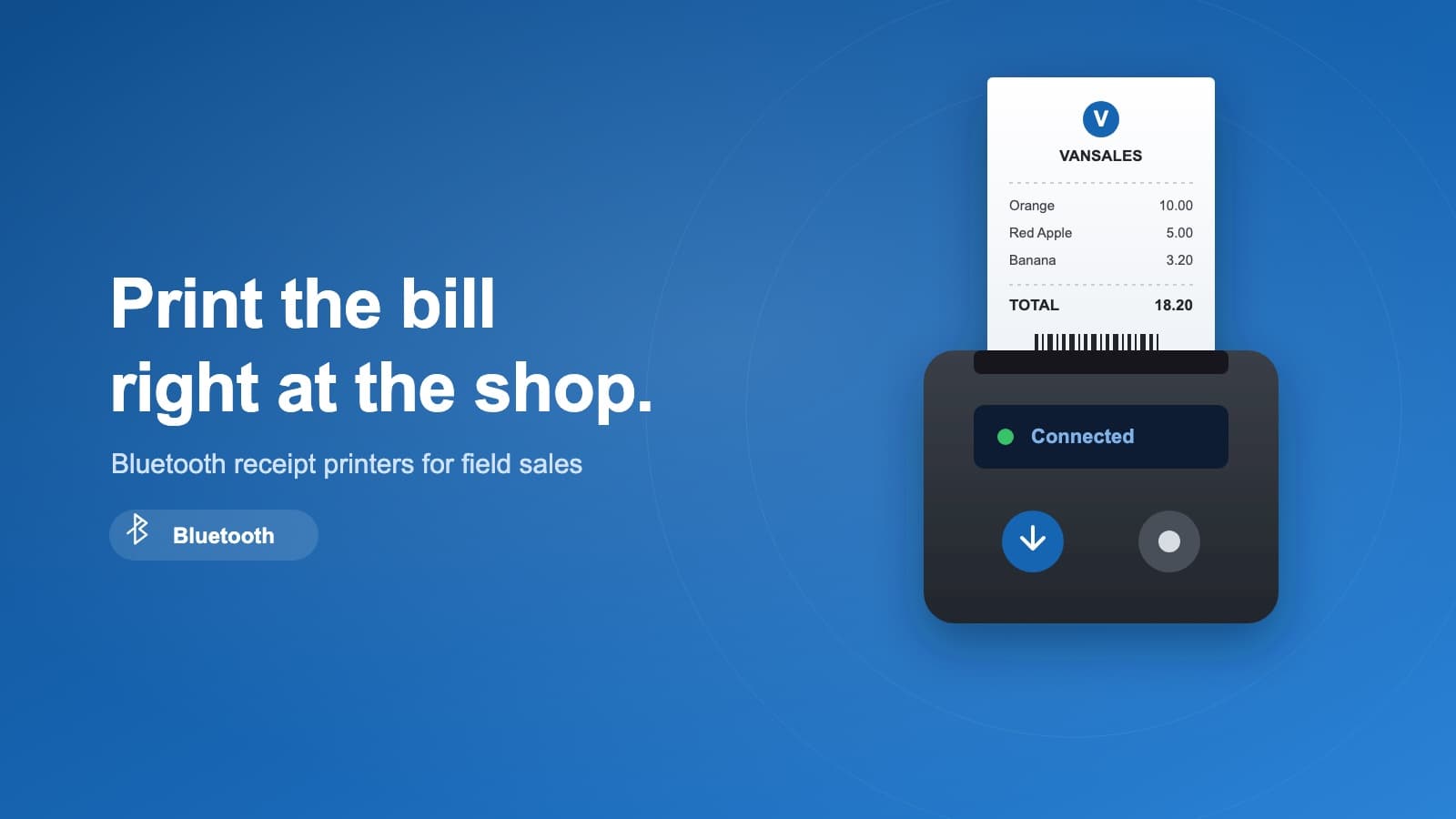
On a cash van route, the sale isn't finished when the customer says yes — it's finished when the bill is printed, the goods are handed over, and the cash is counted. A mobile printer turns all three into one moment at the shop counter. No going back to the office to issue an invoice, no hand-written slips to reconcile later, no arguments about what was delivered.
Pair a small Bluetooth thermal printer with the Vansales app on the rep's phone and every order prints on the spot: an itemised bill, a delivery note, or a tax invoice — straight from the same order the rep just keyed in. Here's how to think about the hardware, and the three printers we've tested in the field.
Why print in the field at all?
- You get paid faster. A bill in hand is a bill that gets settled. Cash-on-delivery is far easier to collect when the customer can see exactly what they owe.
- Fewer disputes. The printout is the record. What was ordered, what was delivered, and the price are all on paper before the rep drives away.
- You look professional. A clean printed receipt with your logo beats a torn page from a carbon book — especially in traditional trade where trust is the whole relationship.
- The numbers stay clean. Because the receipt prints from the order in Vansales, your books and the shop's copy always match. Nothing is re-keyed.
What to look for
Not every printer is built for a hot truck and a full day on the road. Before you buy, check:
- Paper width — 58 mm or 80 mm. 58 mm is compact and cheap on paper; 80 mm fits more columns and reads better for longer bills. Most field teams are happy with 58 mm; pick 80 mm if your invoices are detailed.
- Battery life. You want a full route on one charge. Look for a battery that lasts a day and a spare or a car charger for long routes.
- Build quality. Field printers get dropped, sat on, and rained on. A rubberised, drop-rated body pays for itself.
- Bluetooth pairing. It should reconnect to the rep's phone automatically each morning without fuss. Test this before you roll out a fleet.
- Print speed and paper cost. Thermal printing needs no ink or ribbon — just rolls of thermal paper, which are cheap and easy to find. Keep spares on the van.
Three printers we've tested with Vansales
Any of these pairs with the Vansales mobile app over Bluetooth. They sit at three price-and-durability tiers, so pick by how hard your routes are on equipment.
Rongta — the value pick
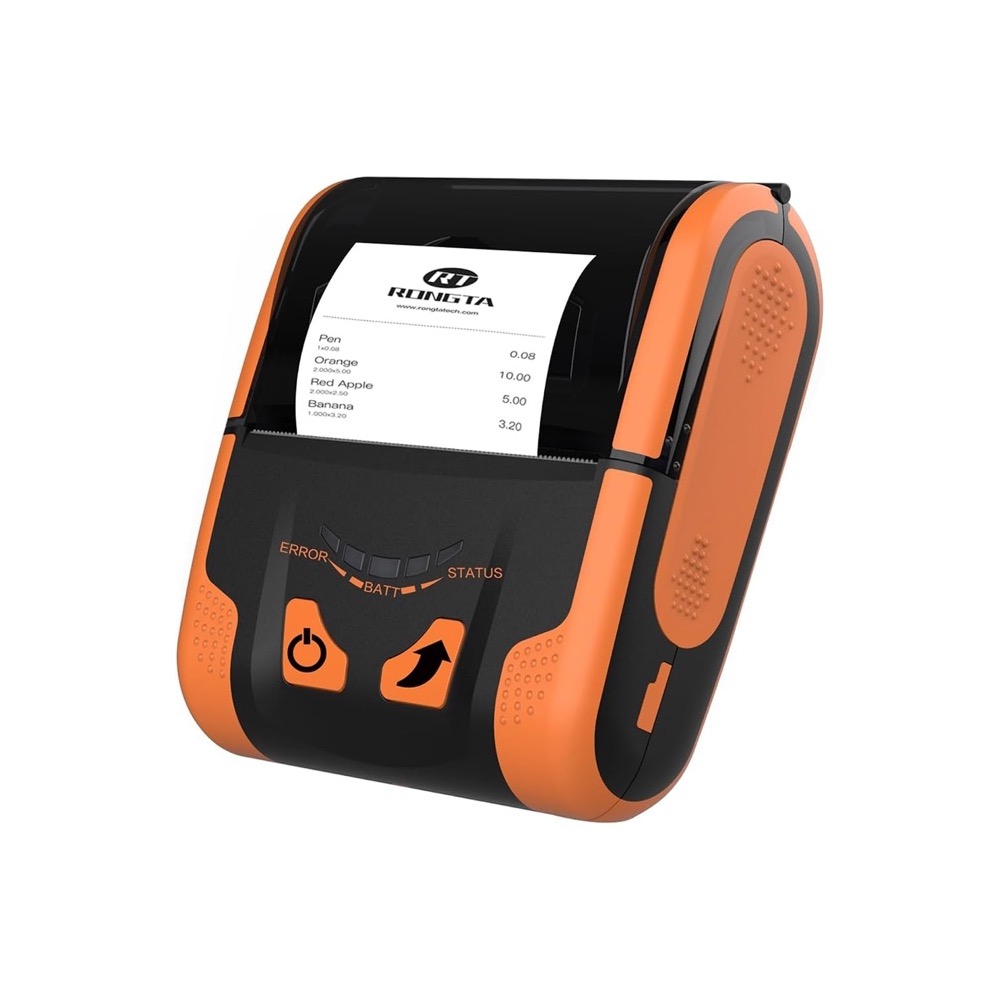
The most budget-friendly of the three. An 80 mm printer with a rugged rubberised shell and simple two-button operation. If you're fitting out a fleet on a tight budget or trialling mobile printing for the first time, this is the easy place to start.
BIXOLON — the balanced choice
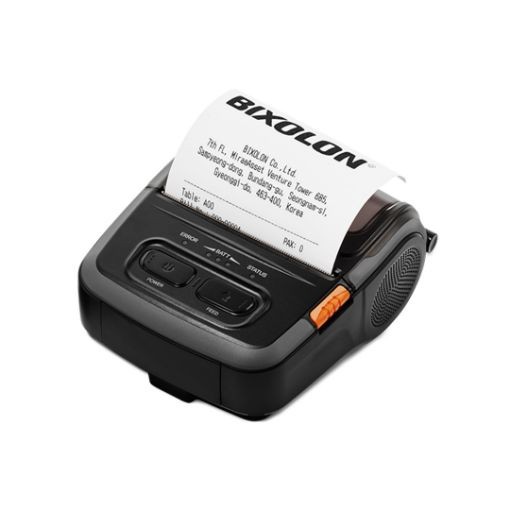
A compact, well-made printer that hits the sweet spot between price and reliability. Fast, light enough to clip to a belt, and dependable day after day. A safe default for most field-sales and van-sales teams.
Zebra ZQ320 — built for hard routes
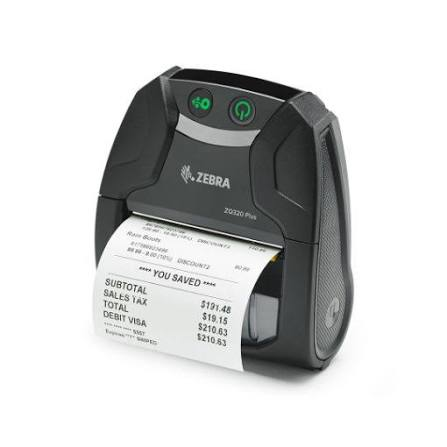
The most rugged option. Drop-rated, weather-resistant, and built for teams that are out in all conditions and can't afford downtime. If a printer failing means a rep can't invoice, the extra durability is worth it.
Setup is quick
Charge the printer, load a roll of thermal paper, turn on Bluetooth on the rep's phone, and pair. In the Vansales app, select the printer once and it's remembered. From then on, finishing an order and tapping print puts a bill in the customer's hand in seconds.
Getting a fleet set up, or not sure which model fits your routes? Talk to us — we'll help you choose and get your reps printing on day one.