
How to Write with Markdown: A Practical Guide
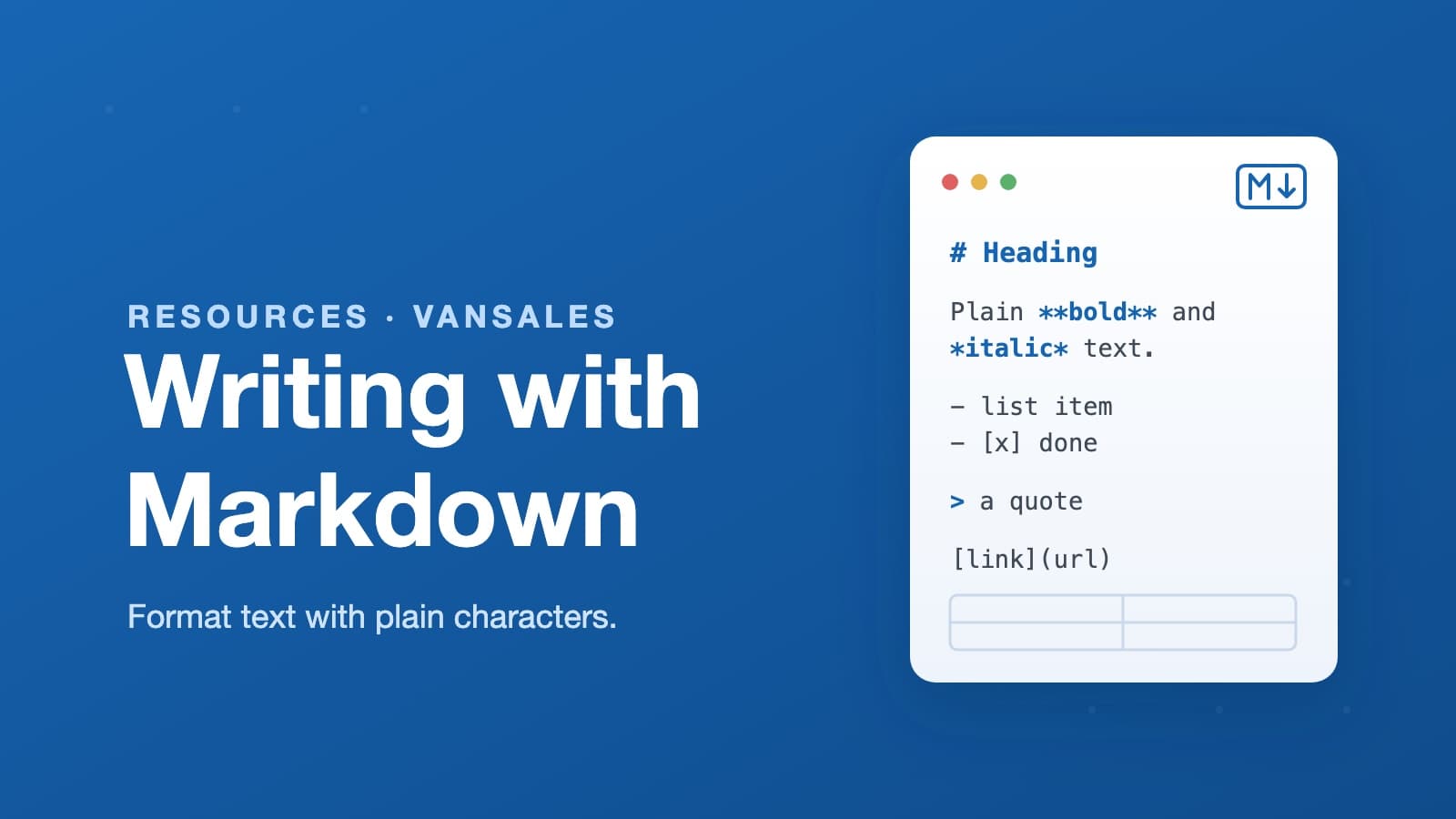
More and more systems today use Markdown to write documents — and Vansales (ADP) is one of them. We use it in many places across the platform: product descriptions, notes and messages, article content like this page, and other rich text fields. Instead of a formatting toolbar, you type a few plain characters and they become headings, bold text, lists, and tables.
So we put together this short, simple guide to explain how it works — so anyone on your team can format text confidently wherever Markdown shows up in the system.
Markdown is a simple way to format text using ordinary characters. You type a few symbols — a #, a *, a - — and they turn into headings, bold text, and lists. It's the same syntax that powers this article, and once you know a handful of rules you can write clean, structured documents anywhere Markdown is supported.
This guide walks through every element you're likely to need. For each one, you'll see the syntax to type and the result it produces.
Headings
Start a line with one to six # characters. More hashes mean a smaller heading.
# Heading level 1
## Heading level 2
### Heading level 3
Use one # for the title and work down from there — skipping levels (jumping from ## to ####) makes documents harder to read.
Emphasis
Wrap text in symbols to style it:
*italic*or_italic_→ italic**bold**or__bold__→ bold***bold italic***→ bold italic~~strikethrough~~→strikethrough
Lists
For a bulleted list, start each line with -, *, or +:
- First item
- Second item
  - Indent two spaces for a sub-item
Which renders as:
- First item
- Second item
- Indent two spaces for a sub-item
For a numbered list, use 1., 2., and so on. The actual numbers don't have to be in order — Markdown renumbers them for you:
- Prepare the route
- Load the van
- Start selling
You can also make checklists with - [ ] and - [x]:
- Draft the article
- Review it
- Publish
Links and images
A link is [text](url):
[Visit Vansales](https://vansales.ai)
An image is the same, with a ! in front. The text in brackets becomes the alt text:

Blockquotes
Start a line with > to quote:
> The difference is rarely the product. It's the management.
The difference is rarely the product. It's the management.
Code
For a short snippet inside a sentence, wrap it in single backticks: `like this` → like this.
For a block of code, fence it with three backticks on their own lines:
```
const total = bills * profitPerBill;
```
Which produces:
const total = bills * profitPerBill;
Tables
Separate columns with pipes |, and use dashes --- under the header row:
| Metric        | Target |
| ------------- | ------ |
| Calls per day | 35     |
| Productive %  | 60%    |
| Metric | Target |
|---|---|
| Calls per day | 35 |
| Productive % | 60% |
Horizontal rule
Three or more dashes on their own line draw a divider:
---
A few tips
- Blank lines matter. Leave an empty line between paragraphs, and before and after lists, headings, and code blocks.
- Keep it simple. Markdown is meant to stay readable even before it's rendered — if the raw text is a mess, you've probably over-formatted.
- When in doubt, preview. Most editors show a live preview so you can check the result as you type.
That's the whole language, more or less. Learn these dozen patterns and you can format almost any document without ever reaching for a toolbar.