
See Every Sales Route, All Day, Without Draining the Phone
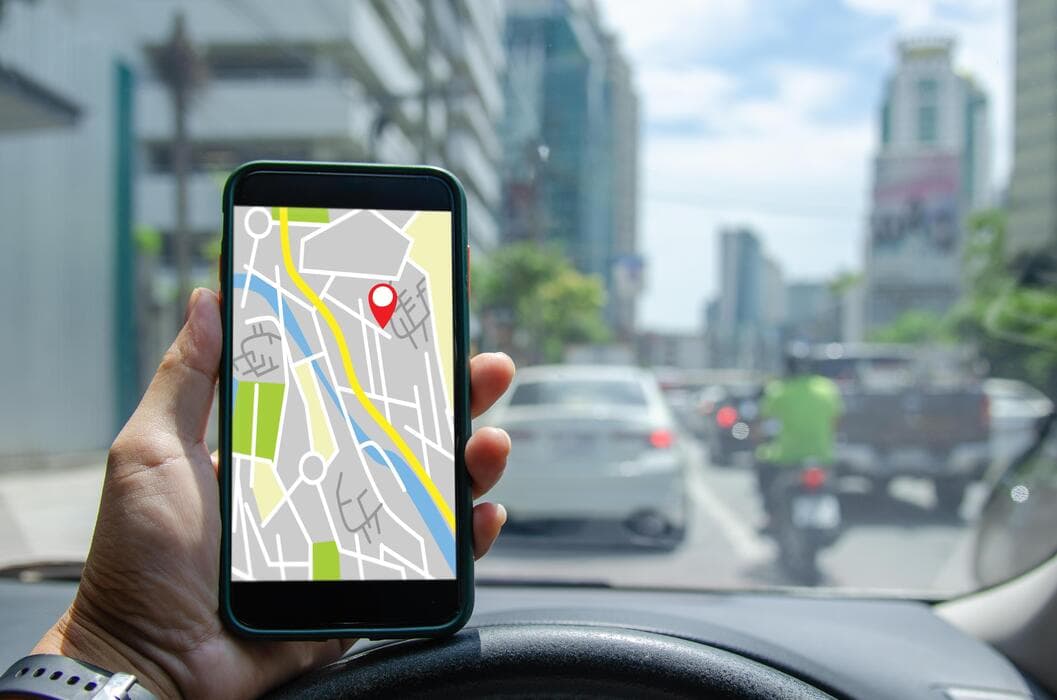
GPS is something both sales managers and reps rely on every day. Managers use it to check sales routes, see whether every planned shop was visited and plan tomorrow's route. Reps use it to log their travel for fuel and mileage claims, to prove they visited each shop, and so the team knows where they are if something goes wrong on the road.
But that data is only worth something if it covers the whole day. The trouble is that most GPS apps drain a phone below half before lunch is over. Reps close the app to save power for customer calls, the route ends up full of gaps, and neither the manager's report nor the rep's claims can be trusted.
The root cause is that most apps keep GPS switched on the whole time. Our tracking was designed from the start to follow how a sales rep actually moves, and to use battery only when it needs to.
How it saves battery
The idea is simple: use as little power as possible when there's nothing to record, and capture the full route whenever the rep is on the move.
1. It knows when you've stopped The system uses the motion sensors already built into every phone to tell whether the rep is driving, walking or standing still. When the rep parks at a shop or stops for lunch, GPS pauses on its own. As soon as they move again, it picks back up. Nobody has to press anything.
2. Points spaced by speed On a highway, where the road runs fairly straight, the system records points further apart. In side streets or on foot into a shop, it records them more often. The route on the map stays just as detailed, while the phone uses less power.
3. When the phone is still, it gets to rest On Android, when the rep isn't moving, the app lets the processor go to sleep as normal. It doesn't force the phone to stay awake all day the way many apps do.
4. Data sent in batches Waking up the mobile connection costs battery every time. So the system bundles several location points and uploads them together, instead of sending each one on its own. If the rep is somewhere without signal, the data is kept on the phone and sent once the signal returns. No points are lost.
5. Automatic saving when the battery runs low When the battery gets low, the system automatically records location less often. The phone lasts longer, the rep can still call customers, and the manager can still see where they are until the end of the day.
What you get
Once battery stops being a problem, reps have no reason to switch the app off, and the report holds enough data to make decisions on.
- Sales managers see the whole day's route, which shops were visited and how long was spent at each, and can plan tomorrow's route from real data.
- Sales reps can leave the app running all day, with no power bank and no switching it on and off, and have a complete travel record for their claims.
- Leadership gets numbers they can trust: distance travelled, shops visited and actual working time.
Tracking during working hours only
Good tracking also respects employees' privacy. The system records location only during working hours, and reps always know when they are being tracked. Once the day is over, the phone is theirs again. This keeps you in line with data-protection rules such as Thailand's PDPA, and makes it much easier for the team to accept.
See it with your own team
Book a demo and let a few of your reps use it for a week. See for yourself how complete the routes are, and how much battery is left at the end of the day.